
How it works
Add your books
Point the server at your ebook and audiobook folders. It reads the metadata, pulls the covers, and pairs each EPUB with its audiobook.
Tandem transcribes and aligns
Whisper transcribes the audiobook on your own hardware. Tandem matches the transcript to the ebook text, sentence by sentence.
Switch whenever you like
Open either format, on any device. You land on the sentence you were on, not the chapter you were in.
What you get
A handoff that lands on the sentence
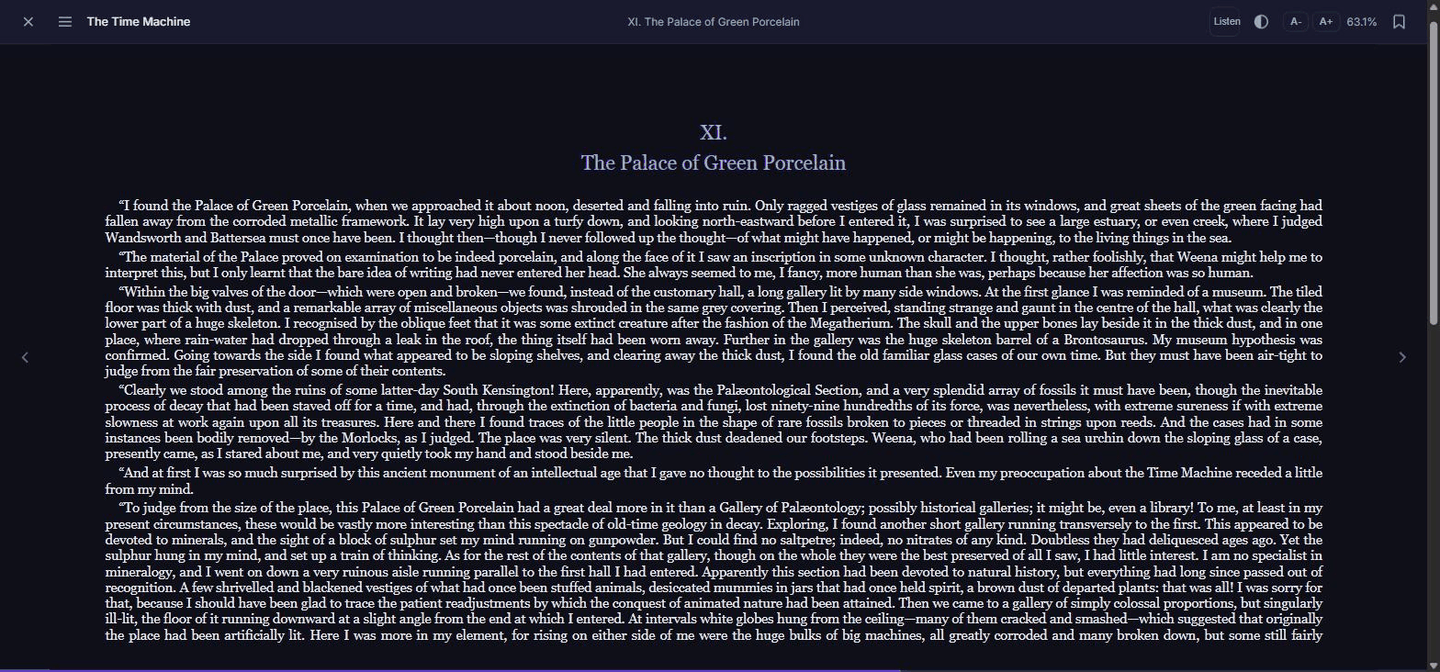
Reading and listening are two views of one position. The reader's switch to audio starts the audiobook where your eyes were; the player's switch to the ebook opens the page being read aloud. Chapter and sentence are the anchor, so every device agrees.
Read along, word by word
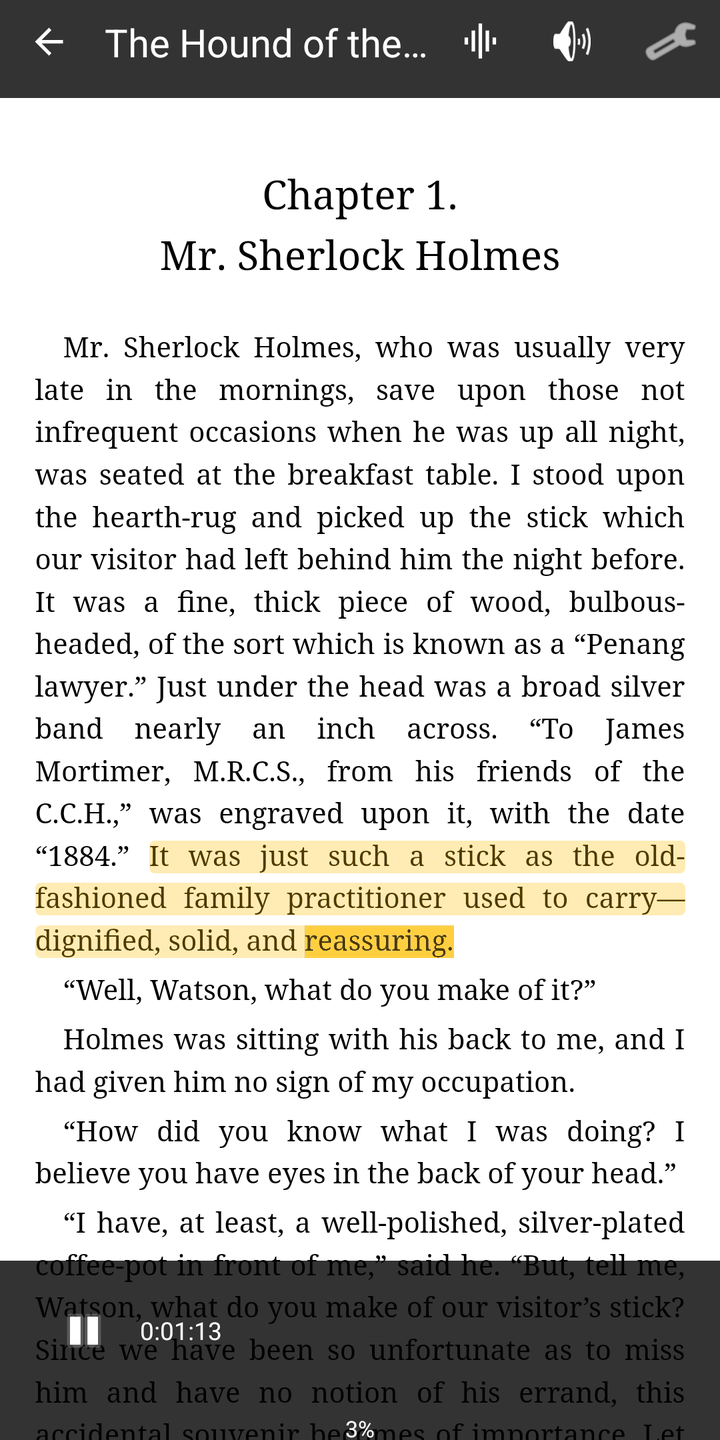
Turn on Follow audio in the Android reader and the page keeps up with the narrator. The sentence being read is highlighted and the word being spoken is marked inside it, and the page turns on its own when the reading moves on. Turn a page by hand and the audio keeps going; Back to audio snaps you back.
Transcription on hardware you own
Nothing goes to a transcription service. Whisper runs on the server, or on a small GPU box on your network such as a Jetson Orin Nano. Jobs queue one at a time, can be kept to off-hours, and a passage that came out wrong can be checked against the book and re-aligned.
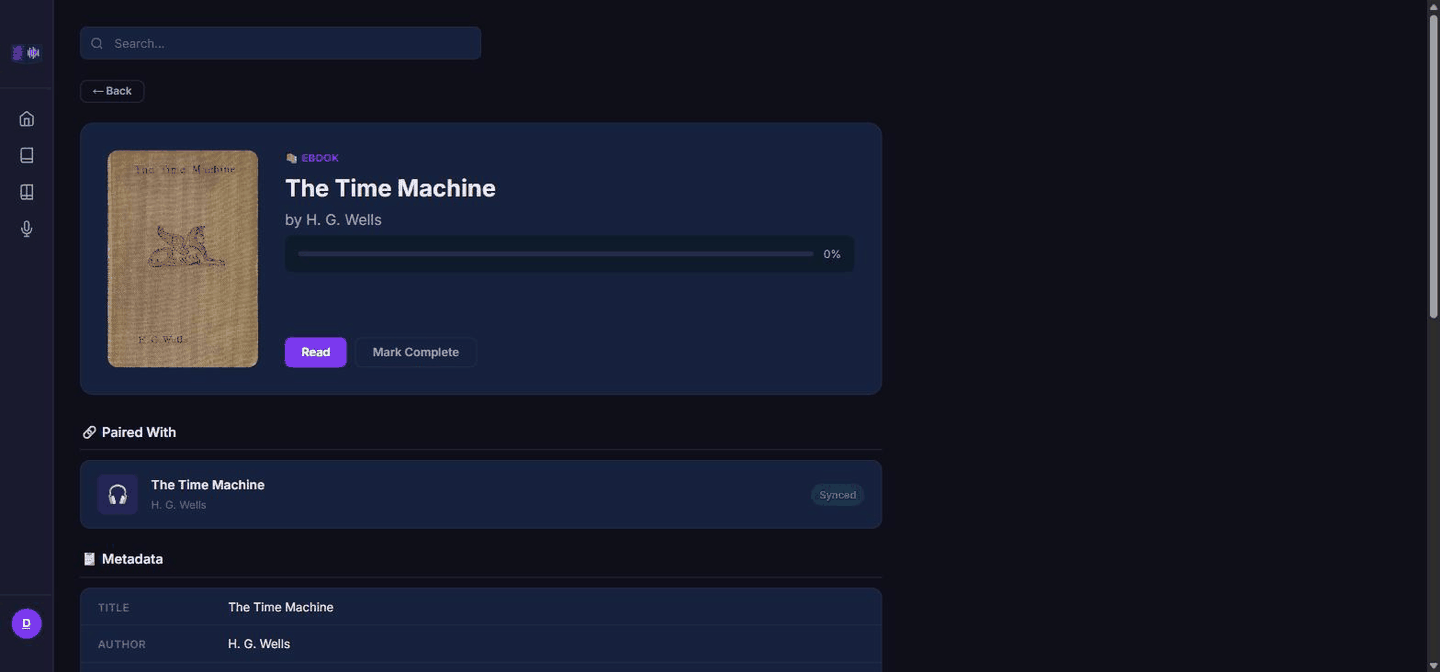
A reader and a player in the browser
EPUB reader and audio player in one web app. Install it to your home screen and it opens like an app, with lock-screen controls. On an iPhone this is the app: there is no iOS build, and none is needed.
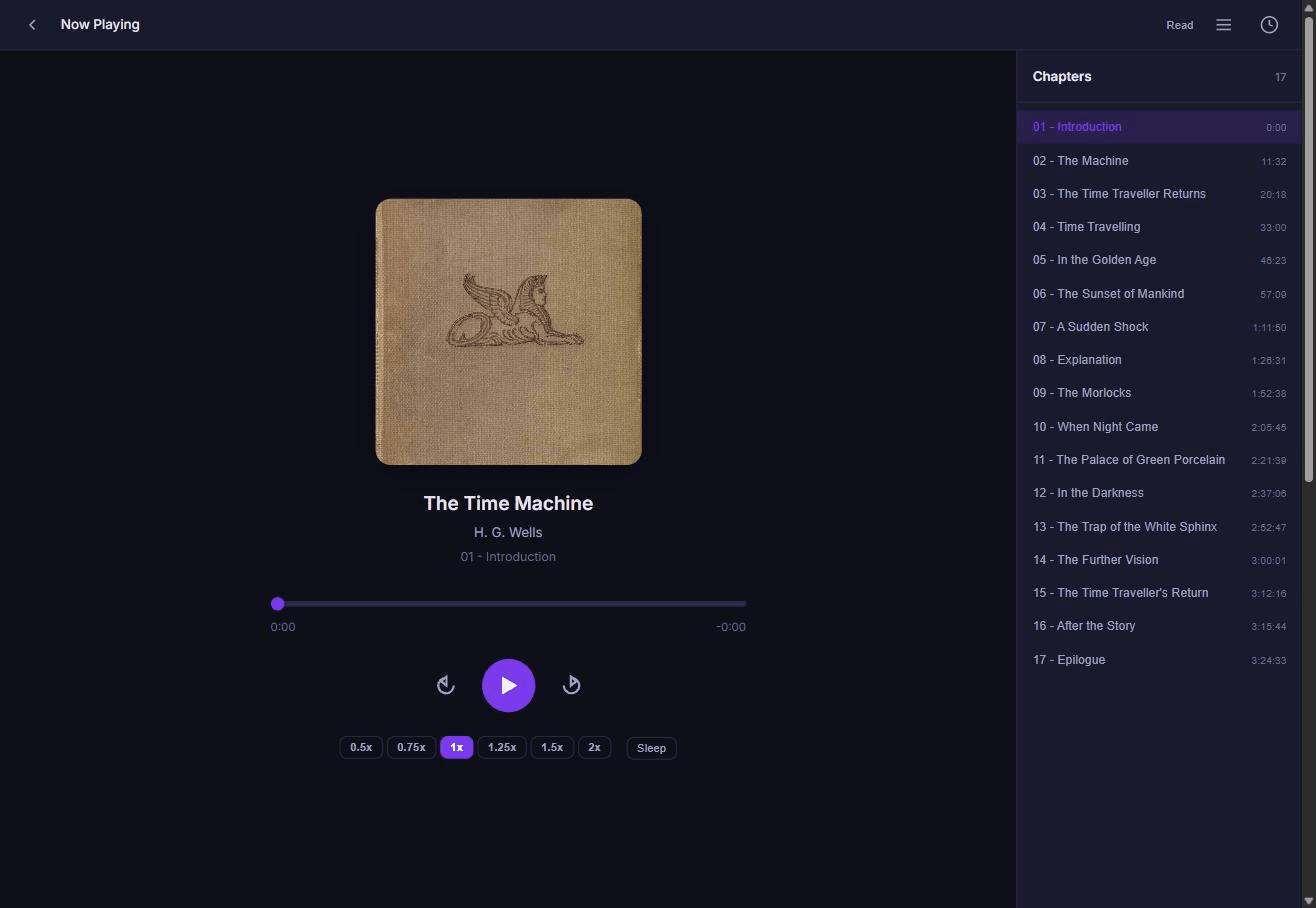
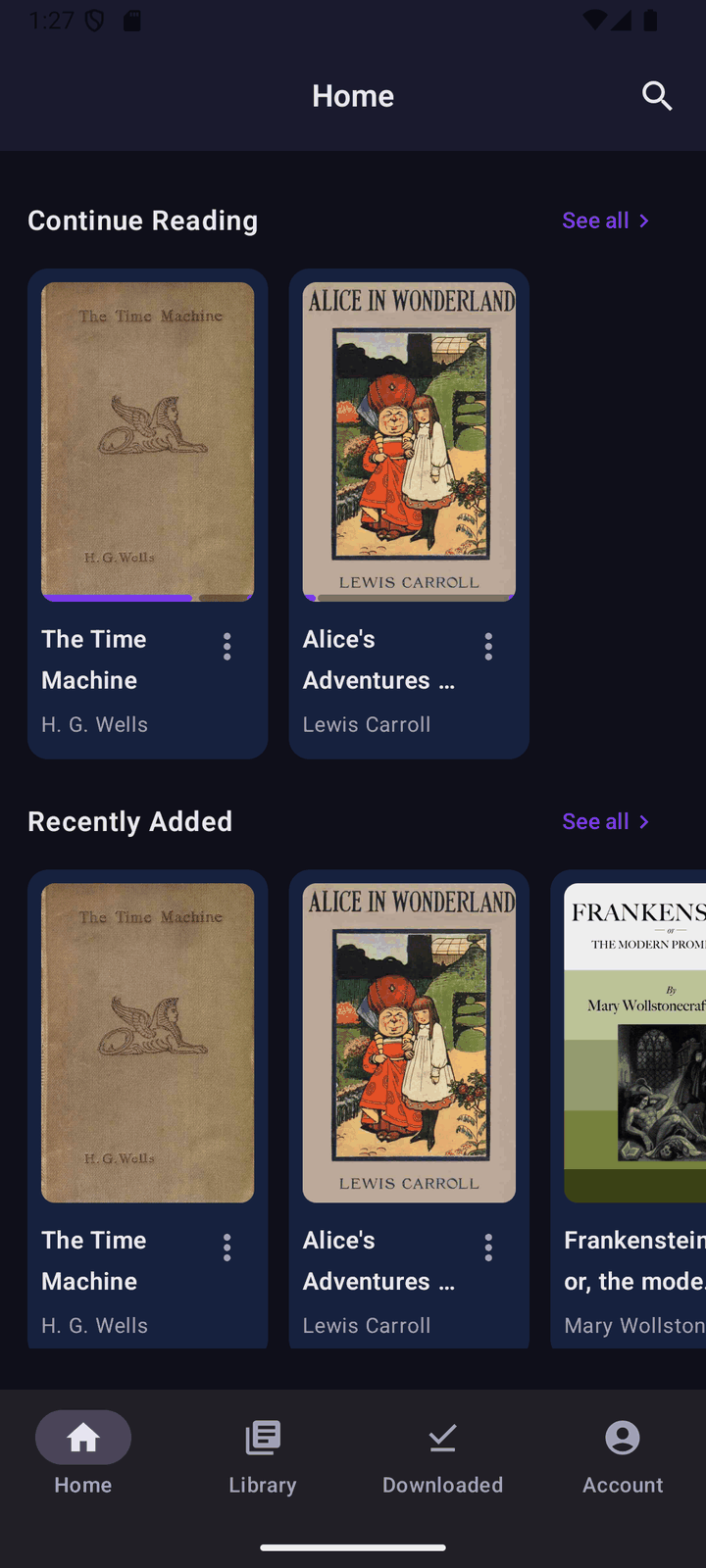
An Android app for the road
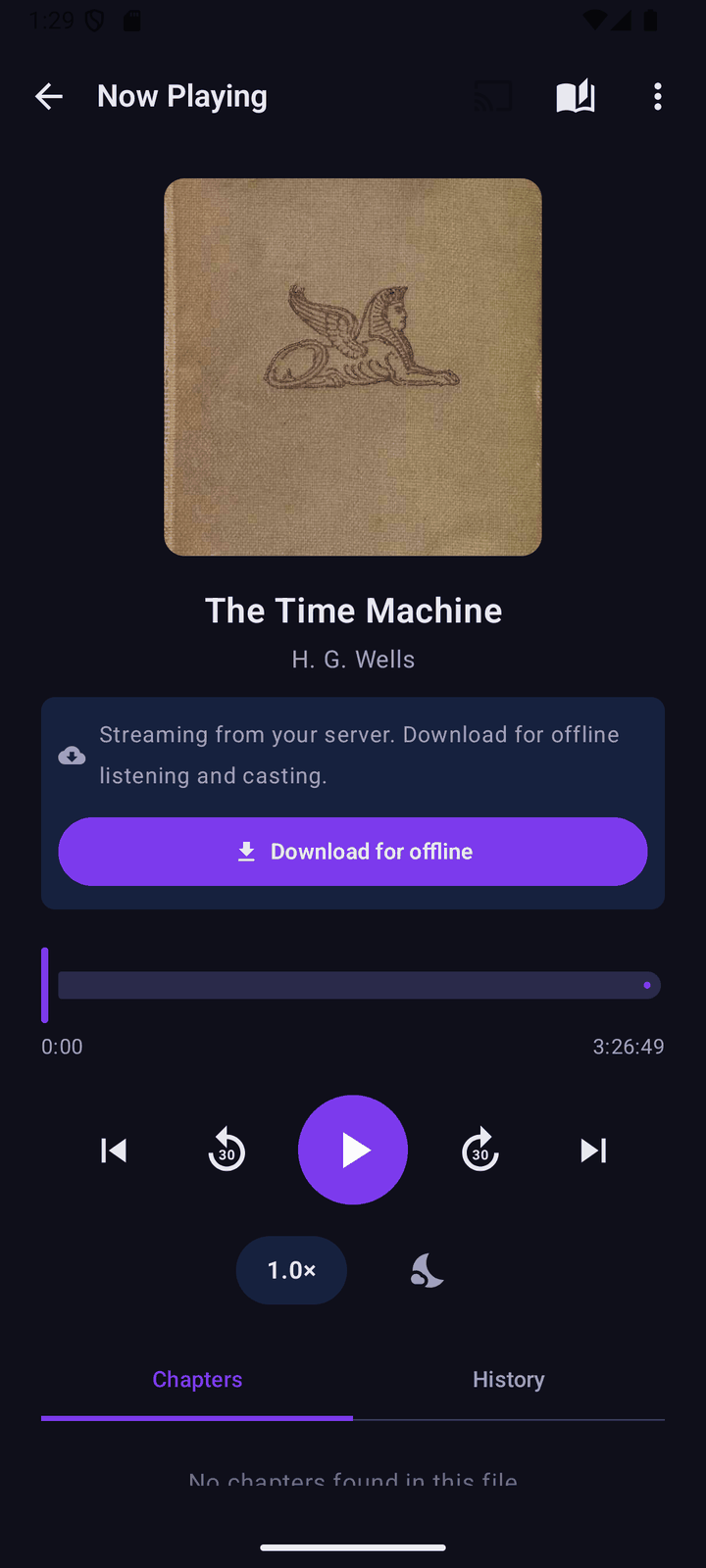
Offline downloads, streaming when a book is not downloaded, a background player with lock-screen controls, Cast, and Android Auto. A guided walkthrough on first sign-in shows where everything is. More about the app.
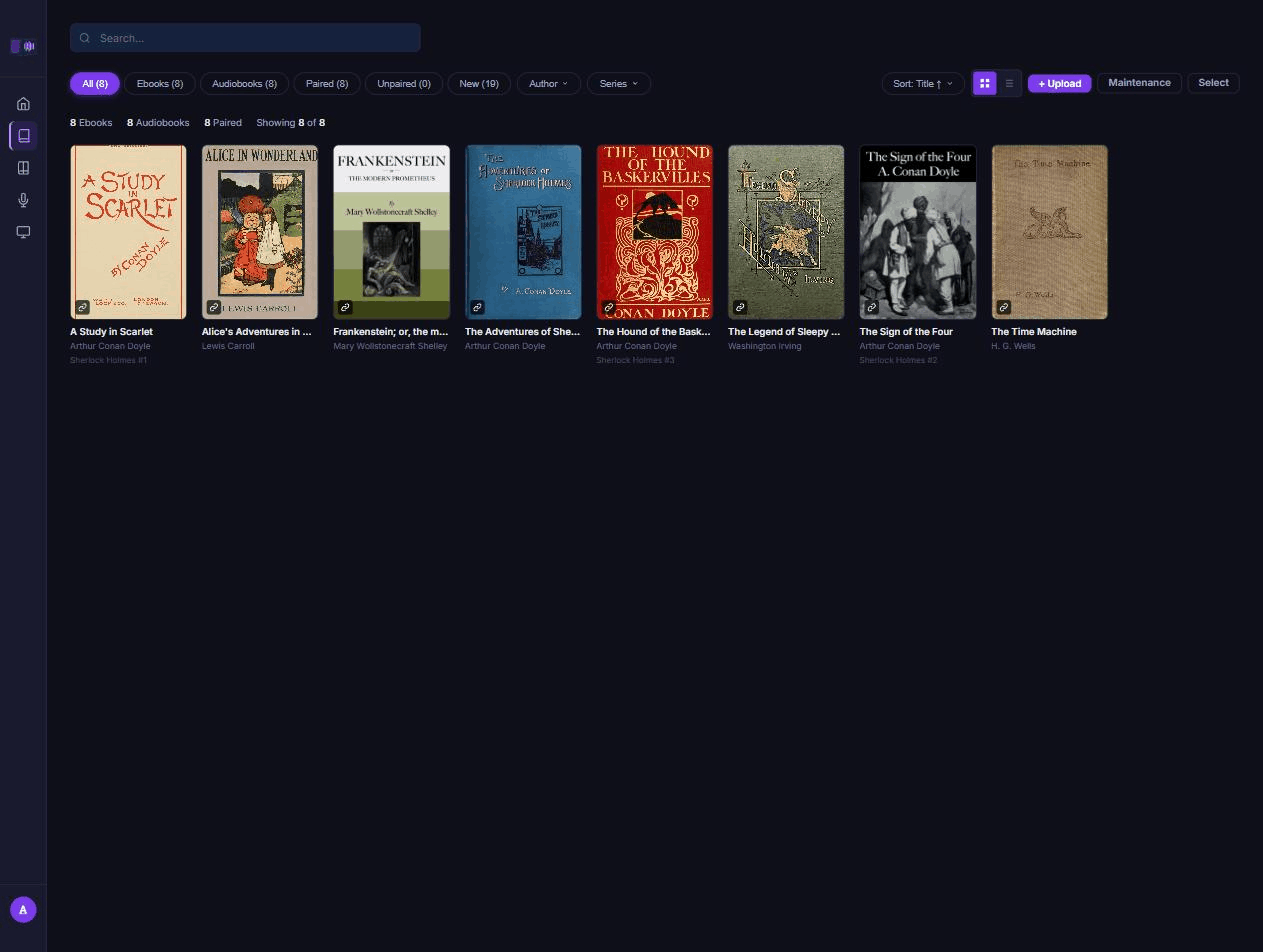
Your library, your formats, your people
EPUB ebooks and the common audiobook formats, matched by title, author and series, grouped by series. Accounts with roles, invite-only sign-up by default, and a reading position per person. Nightly backups you can restore from the browser.
It is a client for a server you run
Tandem is not a bookstore or a subscription. There is no Tandem account, and no books are supplied. You run the server, on your own machine, holding your own files. The apps connect to it. That is why the app asks for a server address before it asks for anything else.
Try it before you install anything. A public demo server holds a handful of public-domain books from Project Gutenberg and LibriVox, each with reading and listening in sync.
- Address: demo.tandembook.com
- Username:
demo - Password:
tandemdemo
The demo account can read and listen. It cannot change the library. On Android, the first screen has a Try the demo button that signs you in with no typing.
Run your own
The server is free software. Install the server walks through Docker Compose, secrets, a reverse proxy and the first sign-in; Set up transcription and Add your books take it from there.
Open source
Tandem is licensed under the AGPL-3.0-only. The code and the issue tracker are on GitHub: github.com/jlafuenti/Book-Sync; what changed in each version is on the releases page. The licence page says what that means for you; the privacy policy says what leaves your device, which is nothing that does not go to your own server.
Questions about the app: support@tandembook.com.